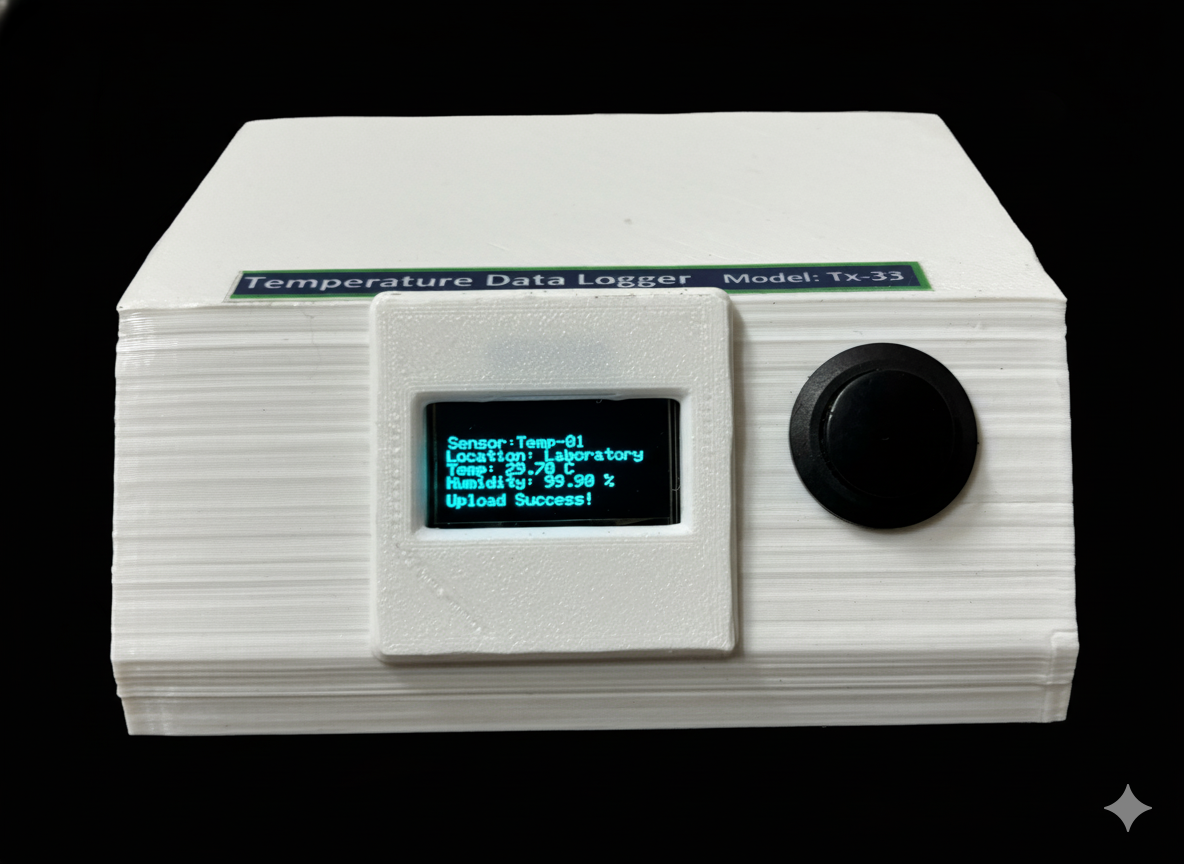

Description
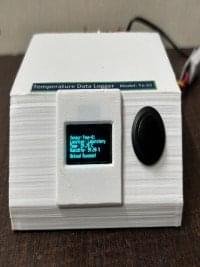
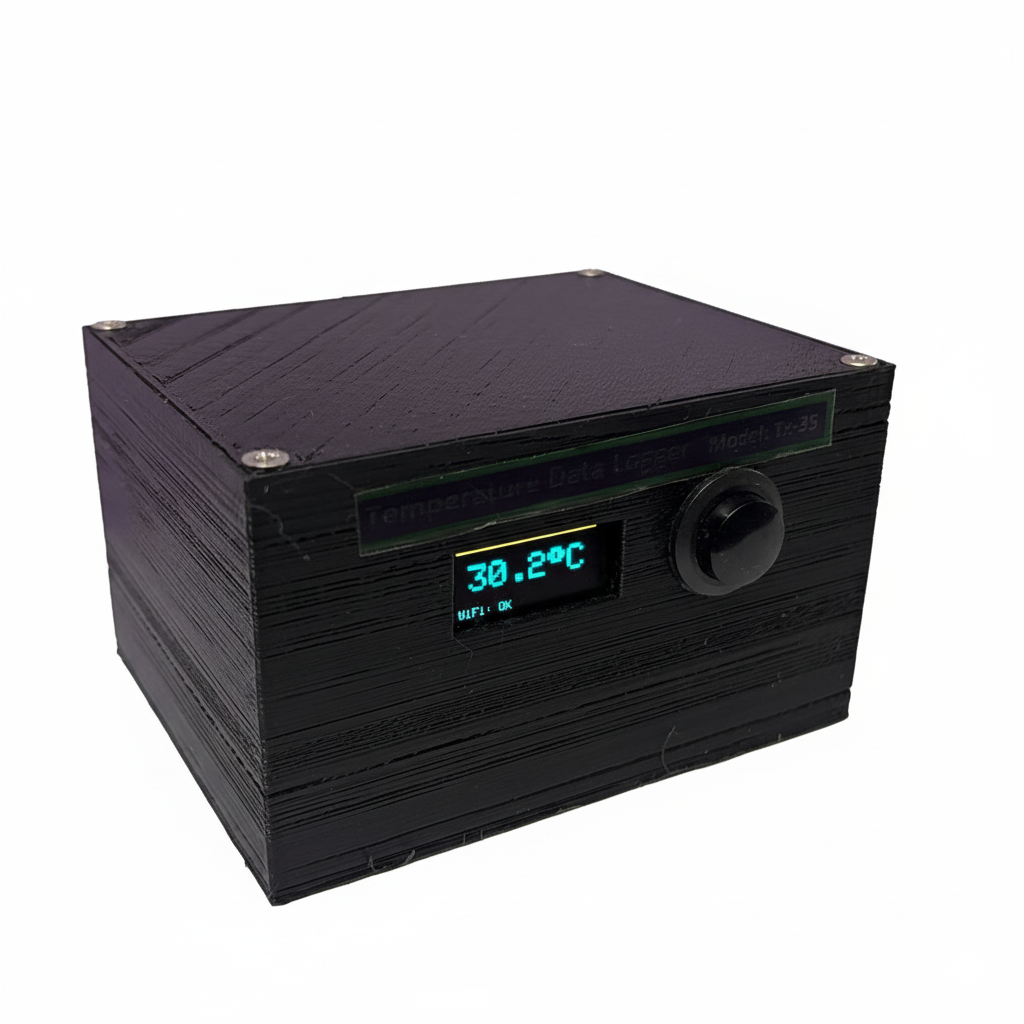
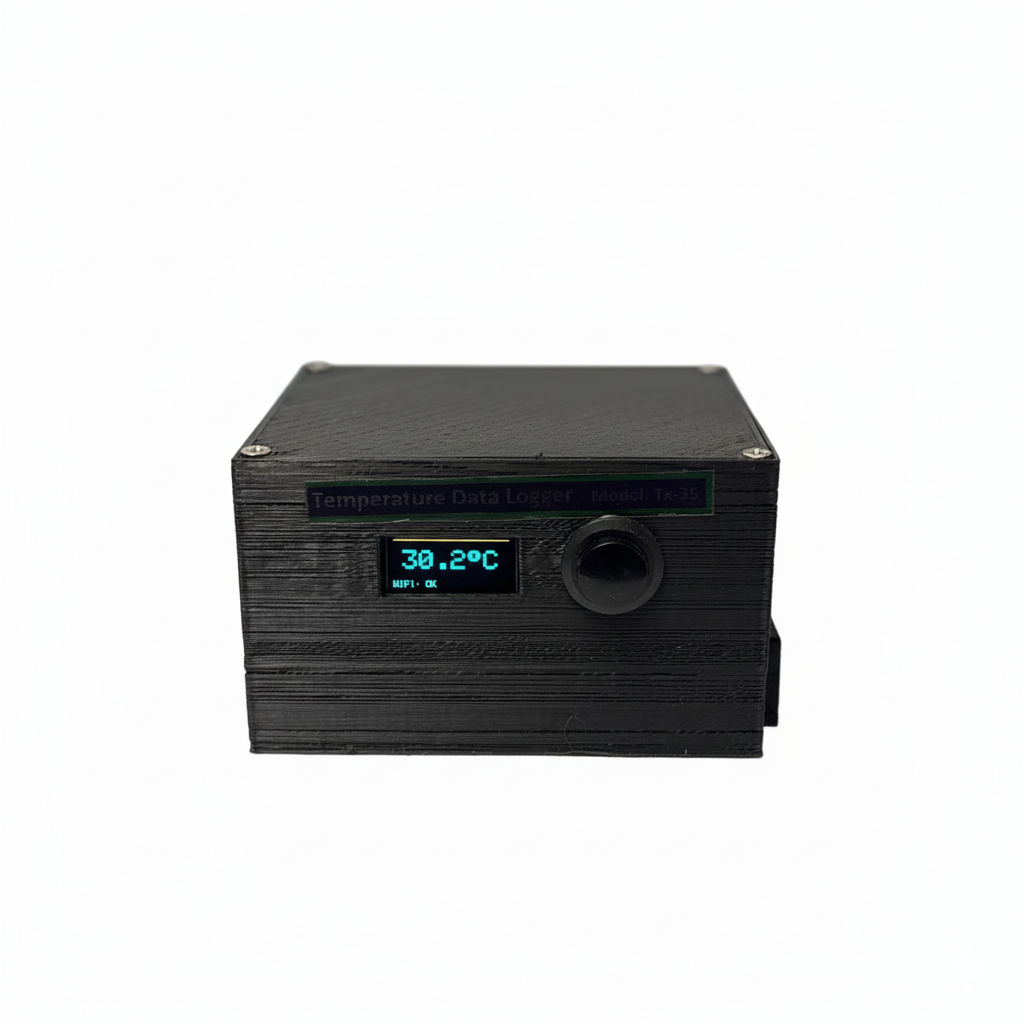
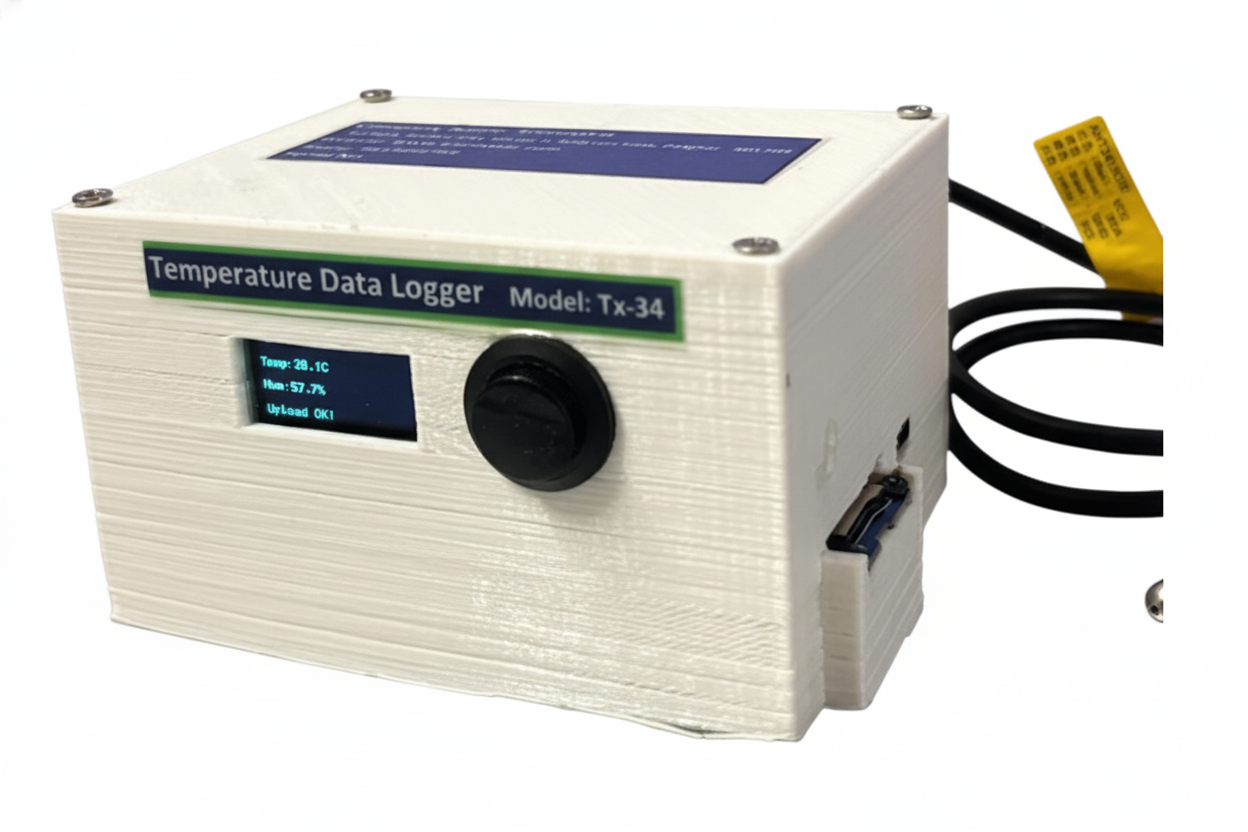
The wireless Temperature and Humidity Data Logger is an advanced IoT-based solution designed to monitor and record environmental conditions in real-time. It seamlessly logs temperature and humidity data, stores it on a secure web server, and allows users to access historical data with a one-year backup facility. This product is ideal for industries, warehouses, greenhouses, and laboratories where precise environmental monitoring is critical.
Key Features of Temperature and Humidity Data Logger
- Real-Time Monitoring:
- Continuously logs temperature and humidity data.
- Updates data every 60 seconds (configurable).
- Web-Based Data Storage:
- Stores data on a secure web server for easy access.
- Compatible with any device (desktop, tablet, or mobile).
- Data Recall:
- View historical data with customizable date ranges.
- Export data to CSV for offline analysis.
- One-Year Data Backup:
- Automatically archives data older than one year.
- Ensures data integrity and compliance with regulatory requirements.
- User-Friendly Dashboard:
- Intuitive web interface for data visualization.
- Displays real-time and historical data in tables
- Scalable and Customizable:
- Supports multiple sensors and locations.
- Customizable for specific industry needs.
Technical Specifications of Temperature and Humidity Data Logger
- Sensor: Temperature and Humidity Sensor.
- Temperature Range: -40°C to 80°C (±0.5°C accuracy).
- Humidity Range: 0% to 100% (±2% accuracy).
- Power Supply: 5V DC (USB or adapter).
- Connectivity: Wi-Fi (2.4 GHz).
Software’s used in Temperature and Humidity Data Logger
- Backend: PHP, MySQL.
- Frontend: HTML, CSS, JavaScript.
- Data Backup: Automated archiving and CSV export.
Compatibility: Works on all modern web browsers
How It Works Temperature and Humidity Data Logger
- Data Collection:
- sensor collects temperature and humidity data.
- Microcontroller sends the data to the web server via Wi-Fi.
- Data Storage:
- The web server receives the data and stores it in a MySQL database.
- Data is timestamped for easy retrieval.
- Data Visualization:
- Users can access the web dashboard to view real-time and historical data.
- Data is displayed in tables for easy analysis.
- Data Backup:
- Data older than one year is automatically moved to an archive table.
Users can export data to CSV for offline storage.
Installation and Setup of Temperature and Humidity Data Logger
Hardware Setup
Power the microcontroller using a 9V DC adapter.
User Guide
Accessing the Dashboard
Log in using your credentials.
Viewing Data
- Real-Time Data: Displayed at the top of the dashboard.
- Historical Data: Use the date range selector to view past data.
Exporting Data
- Click the Export to CSV button.
- Save the CSV file to your device.
Maintenance and Support of Temperature and Humidity Data Logger
Regular Maintenance
- Ensure the microcontroller and sensor are powered and connected.
- Regularly check the web server for updates and security patches.
Troubleshooting of Temperature and Humidity Data Logger
- No Data on Dashboard: Check Wi-Fi connectivity and server status.
- Sensor Errors: Ensure the sensor is properly connected.
Customer Support
- Email: info@vibtronix.com
- Phone: +911-983-366-2759
Why Choose Our Product Temperature and Humidity Data Logger?
- Reliable: Accurate and consistent data logging.
- Scalable: Suitable for small and large-scale applications.
- User-Friendly: Easy to install and use.
- Cost-Effective: Affordable solution for environmental monitoring.
Order Now
- Visit our website at www.vibtrox.com or contact us at info@vibtronix.com
- to place your order.
Disclaimer
This product is designed for environmental monitoring and should not be used in life-critical applications. The manufacturer is not responsible for any damages caused by improper use.

| Sr. No. | Model No | Parameter | Range | Description | Time Record | Price |
| 1 | TX-THMCB | Temperature & Humidity | -30 to +80 degree/0-100% RH | Memory-Cloud-Battery | Yes | 24999 |
| 2 | TX-TMCB | Temperature | -55 to 125 Deg | Memory-Cloud-Battery | Yes | 23999 |
| 3 | TX-THMB | Temperature & Humidity | -30 to +80 degree/0-100% RH | Memory-Battery | No | 14999 |
| 4 | TX-TMB | Temperature | -55 to 125 Deg | Memory-Battery | No | 14999 |
| 5 | TX-THMC | Temperature & Humidity | -30 to +80 degree/0-100% RH | Memory-Cloud | Yes | 17999 |
| 6 | TX-TMC | Temperature | -55 to 125 Deg | Memory-Cloud | Yes | 17999 |
| 7 | TX-THBC | Temperature & Humidity | -30 to +80 degree/0-100% RH | Battery – Cloud | Yes | 19999 |
| 8 | TX-TBC | Temperature | -55 to 125 Deg | Battery – Cloud | Yes | 19999 |
| 9 | TX-THC | Temperature & Humidity | -30 to +80 degree/0-100% RH | Cloud | Yes | 17999 |
| 10 | TX-TC | Temperature | -55 to 125 Deg | Cloud | Yes | 14999 |
Additional information
| Weight | 0.315 kg |
|---|---|
| Dimensions | 11 × 12 × 6.5 cm |
Related Products

- -25%
Price range: ₹12,999.00 through ₹14,999.00

Reviews
There are no reviews yet.